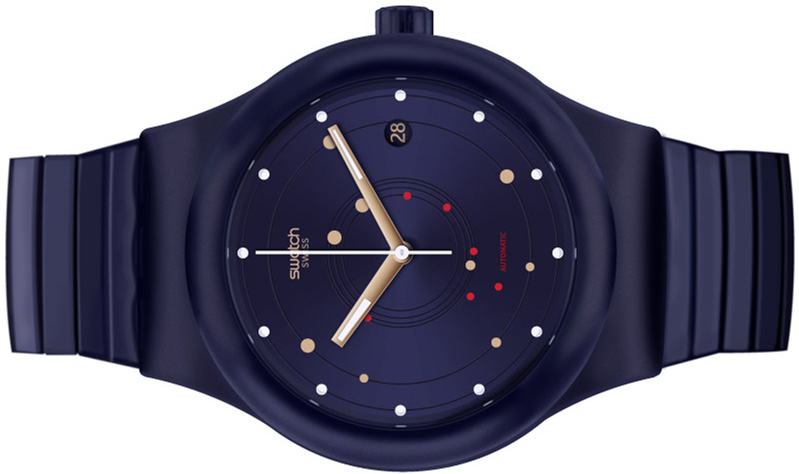
Watch Photorealism Case Study
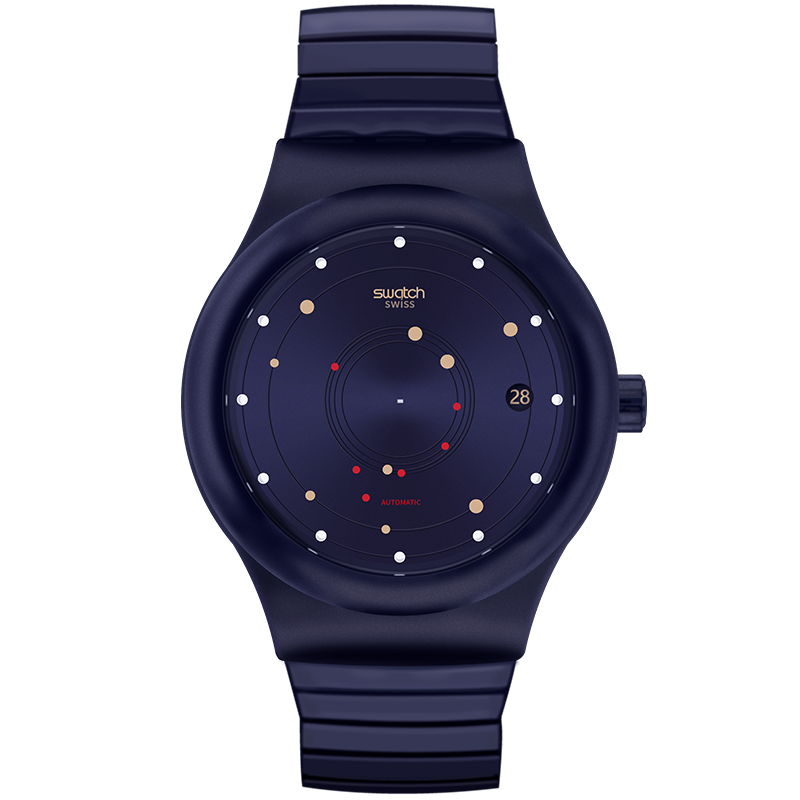
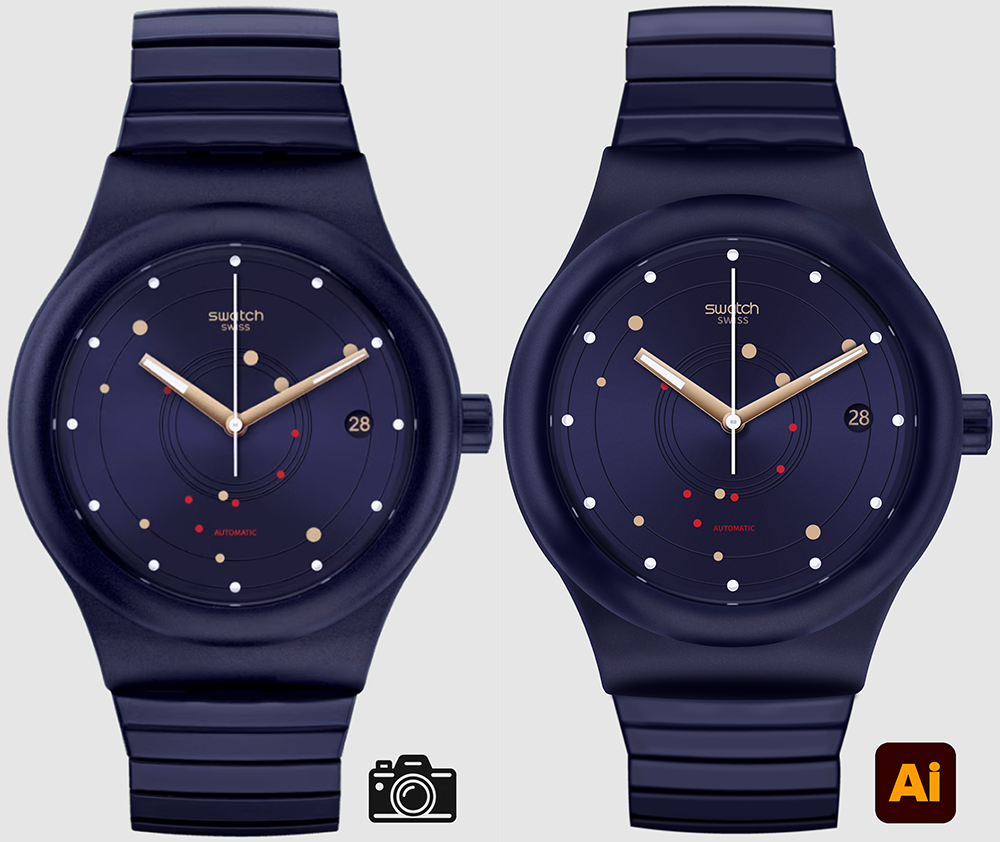
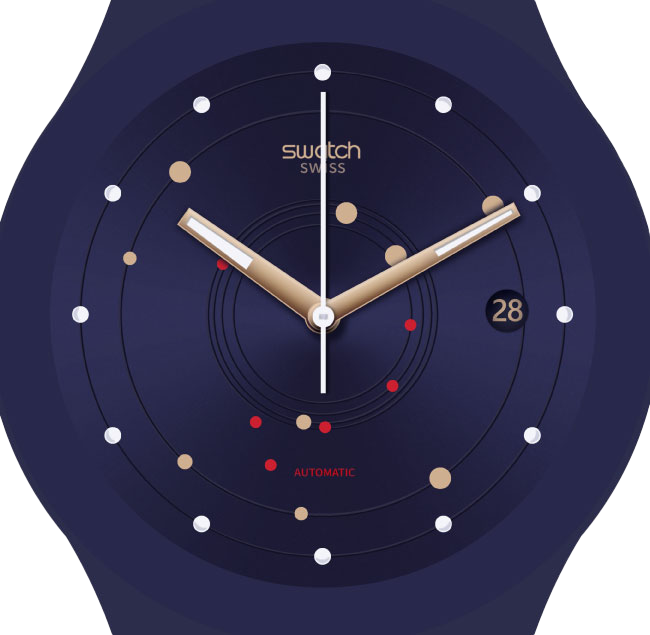
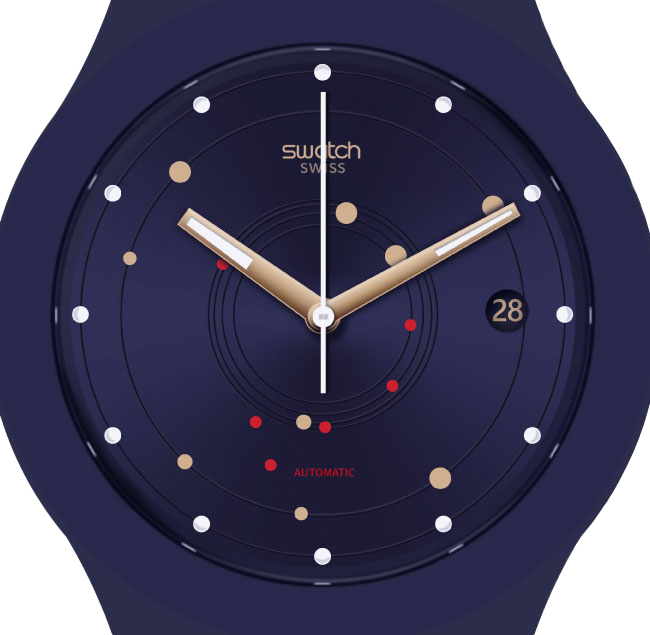
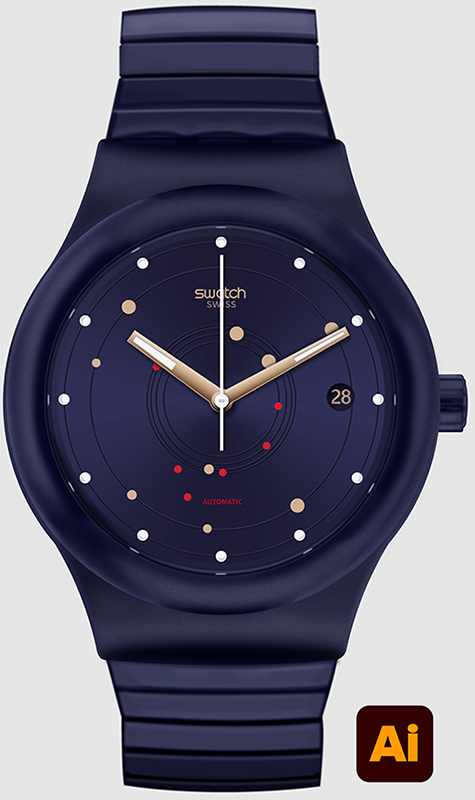
In one of my college design courses, I was assigned to create a photorealistic watch based on a reference image of an actual watch. I chose to use a reference photo from my favorite watch brand “Swatch,” as shown by the image on the left. My final vector watch is the image on the right. For this project I took two weeks to recreate the photorealistic watch in Adobe Illustrator. This case study goes through my design process and my process of completing the watch.


Sketches
To start my project, I sketched out the parts of the reference watch that I thought would be the most challenging. After sketching for a few minutes, I paused and looked at my sketches. I noticed a common theme between all the sketches was that I focused a lot on the shadows of different parts of the watch. I knew I was going to have to spend the most time on the shadows and shading of the watches since it looked like the most difficult part to achieve.
Building the Watch Face
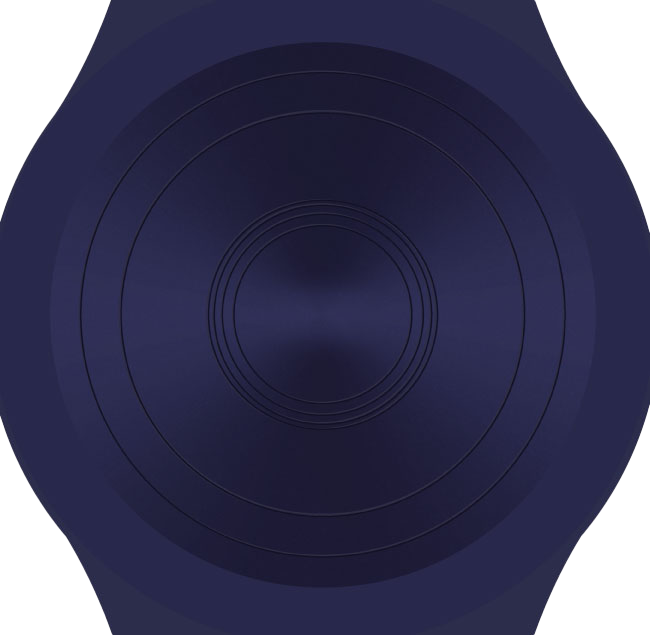
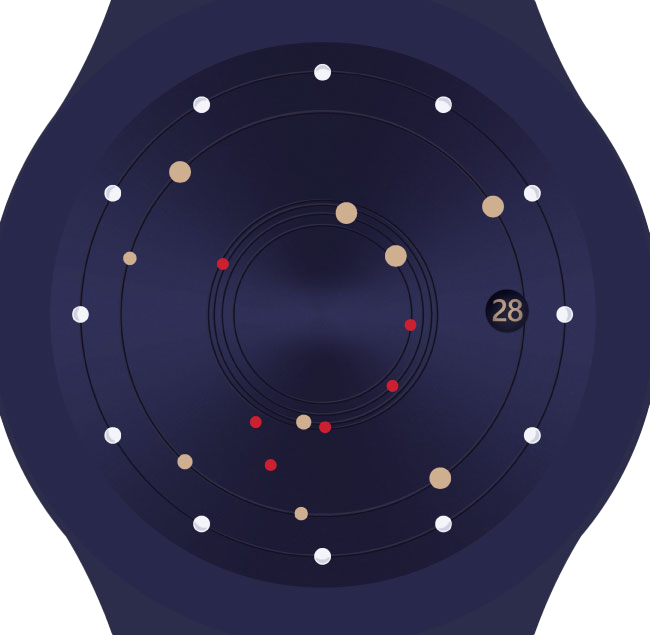
I started out by creating the watch face, which helped me focus on one part of the watch at a time. I slowly added more and more details to the face until I got to a point that I was happy with. I am the most proud of the glass reflections and shadows shown on the final image. The reflections really gave the watch face a 3D effect.
Adding Shading and Depth
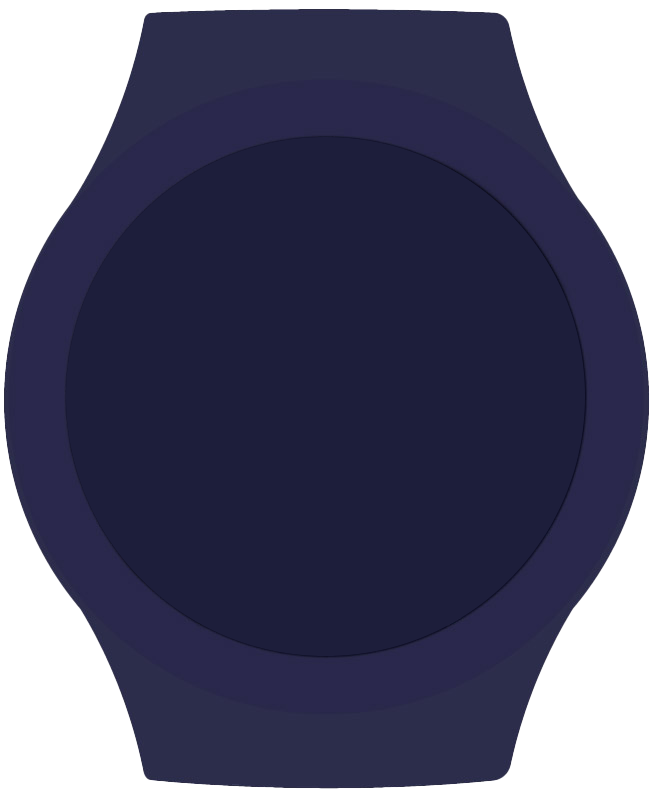
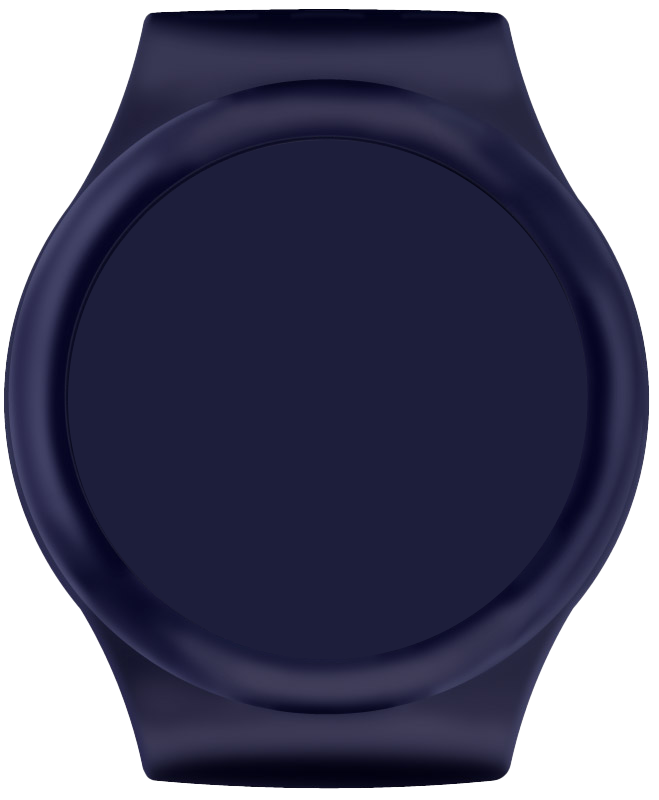
After building the watch face, I moved on to the shading of the watch band. I used a lot of layers of gaussian blurs with low opacity to get the effect of soft shadows and highlights. This is where the watch started to feel like a realistic watch to me.
Watch Crown
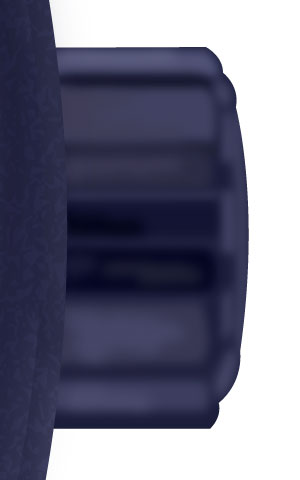
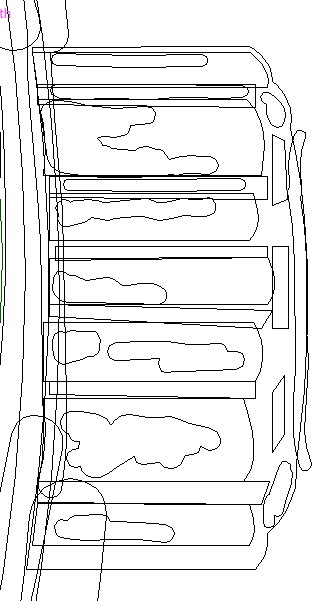
Here is the crown of the watch zoomed in. I wanted to show the level of detail added to even the small parts of the watch. The outlines show all the different pieces and layers that were added to make the crown look as realistic as possible. Since the reference photo watch was mostly made of rubber, I made the details of the watch softer and less harsh compared to the sharp highlights and shadows shown on a metal watch. I used gaussian blurs to make the layers appear blurry.
Final Watch With Details
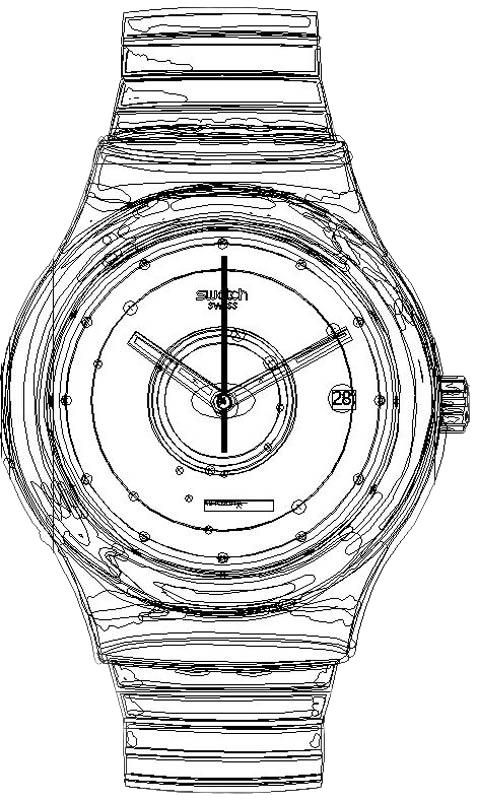
After completing the watch face and crown, I finished by adding the simple watch band and my watch was done. I believe I successfully accomplished the goal of creating a photorealistic watched based off of my reference image. The black and white image shows each of the individual layers and pieces that made up the details on the watch.
Contact Information
This project shows my proficiency in Adobe Illustrator as well as my good attention to detail. I love using Adobe Illustrator and would love to work with you to create some cool projects! Feel free to reach out to me via email if you’re interested! My email: drew2erickson@gmail.com